Getting more Google reviews means putting in place a simple, regular process that invites every satisfied customer to share their experience on your Google Business Profile, at the right moment and with as little friction as possible, without ever offering anything in return or filtering customers. The businesses that receive reviews continuously are the ones that have made asking natural, quick and systematic.
Here are the practical levers, the rules to follow and how to organise everything over the long term.
Why do Google reviews matter so much for a local business?
Before choosing a tradesperson, a restaurant, a hotel or a professional practice, most consumers check online reviews. BrightLocal's annual surveys (Local Consumer Review Survey) confirm it year after year: reviews are among the first criteria examined during a local search. The Spiegel Research Center (Northwestern University, 2017) has also shown that a product displaying five reviews is around 270% more likely to be purchased than a product with no reviews.
In practical terms, reviews play three roles:
- Social proof: they show that other people have trusted you and are satisfied.
- Information: they describe real situations (lead times, welcome, quality, price) that your own sales pitch cannot make as credible.
- Freshness: recent reviews indicate that the business is active and that its quality is consistent today, not just three years ago.
When is the right time to ask for a review?
The best time is when satisfaction is highest and memories are sharpest: just after a successful job, or shortly afterwards, once the customer has been able to see the result. The longer you wait, the less likely they are to take the time to write.
Examples of key moments by business type
- Tradesperson (plumber, electrician, carpenter): at the end of the job, when the customer sees that everything works, then with a reminder message the next day.
- Restaurant: when the bill arrives, if the customer spontaneously thanks you, or via a discreet card on the table.
- Hotel or B&B: at check-out, then in the thank-you email sent after the stay.
- Professional practice (lawyer, accountant, physiotherapist): when a case is closed or after an important milestone, taking into account the professional conduct rules specific to your profession.
- Local shop: at the till, when a regular customer expresses their satisfaction.
- Photographer: when the photos are delivered, the moment when emotions run highest.
- Agency (web, estate agency, communications): when the project is delivered or the contract signed, after positive feedback from the client.
A simple rule: if the customer says "thank you, that's perfect", that is your cue. One sentence is enough: "It would really help us if you said so on Google, here's the link."

How do you create a direct link to your Google Business Profile?
The main reason people do not leave reviews is friction: finding the business on Google Maps, finding the right button, signing in. A direct link that immediately opens the review window removes most of these steps.
From your Google Business Profile, an option lets you ask for reviews and copy a short link to share. This link is the foundation of your whole system: you will reuse it in your emails, your text messages, your QR code and your website.
- Sign in to the Google account that manages your profile.
- Open your business management area and look for the option to ask for reviews.
- Copy the link provided and test it from a phone that is not signed in to your account.
- Save it somewhere the whole team can access.
Are QR codes effective for collecting reviews?
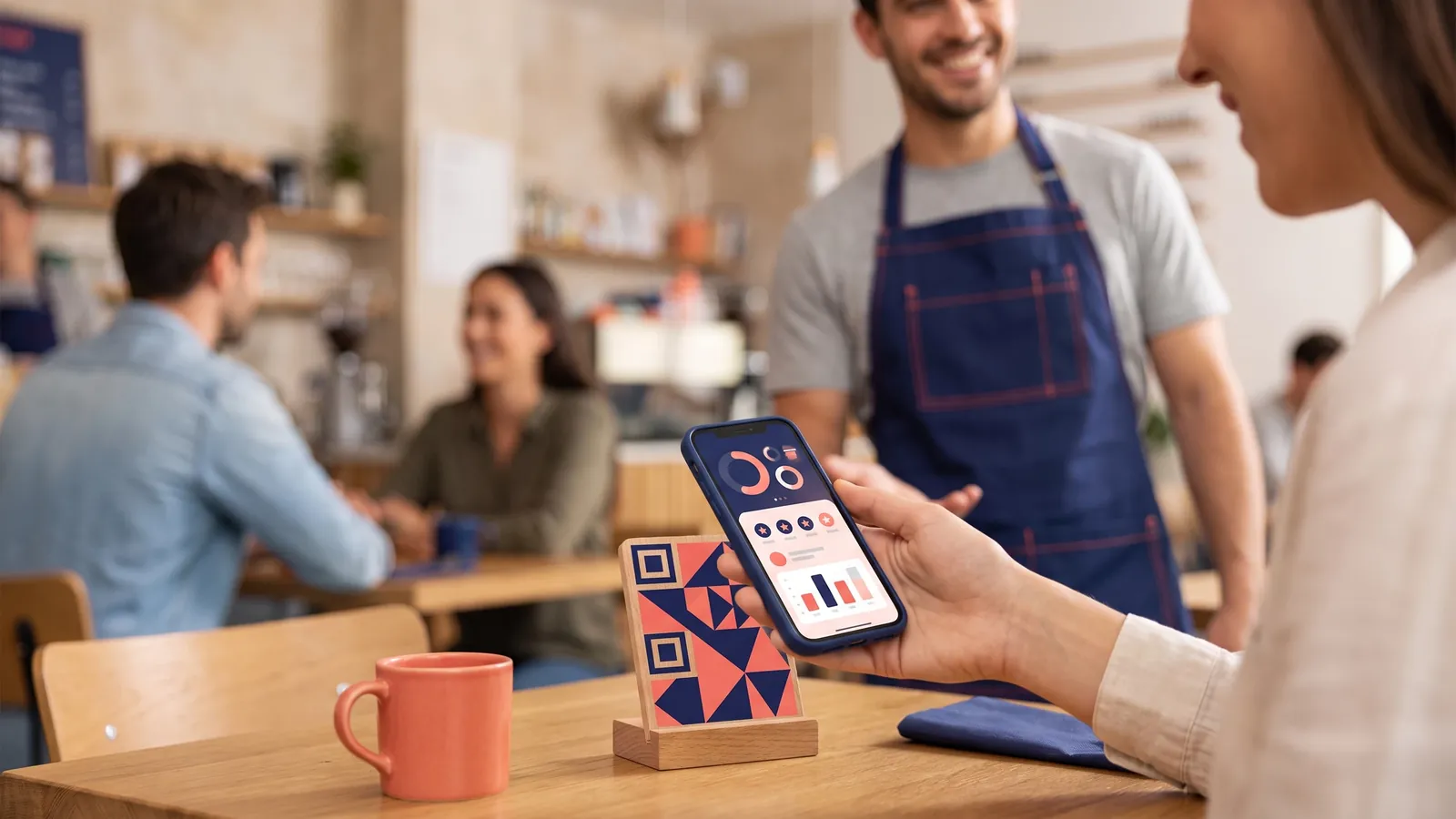
Yes, provided they are placed where customers have the time and inclination to scan them. A QR code turns the direct link into a two-second action with a smartphone.
- Restaurant: on the bill holder or on a table tent card.
- Hotel: at reception, in the room, on the breakfast menu.
- Shop: near the till or on the receipt.
- Tradesperson: on the back of your business card or on the invoice handed over in person.
- Practice: discreetly, in the waiting room.
Always accompany the QR code with a clear sentence, such as "Your feedback helps us, share it on Google", rather than just an icon.
Should you send a follow-up email or text message?
A follow-up message is often the most cost-effective lever, because many satisfied customers intend to leave a review but forget. A single short, personalised reminder is enough.
What a good message should contain
- The customer's first name and a specific reference to the service provided.
- A sincere thank you.
- The direct link to your profile, clearly visible.
- An open request: an honest review, whatever it may be.
Hello Claire, thank you again for trusting us with the renovation of your bathroom. If you have a moment, your honest review on Google would help other homeowners get to know us: [link]. Have a lovely day, the Martin Renovation team.
Avoid sending multiple reminders, which irritate people. Also comply with the GDPR: use contact details collected as part of your business relationship, inform your customers of how their data is used and allow them to opt out of these messages.
Why add a "Leave a review" button to your website?
Your website receives visitors who are already customers: they come back to look up a phone number, opening hours, an invoice or a new service. A clearly visible "Leave a review" button gives them a permanent opportunity to share their views, without you having to ask each of them individually.
This button is all the more effective when it is placed next to your existing reviews: visitors see what others have written, then can add their own in one click. This is one of the benefits of displaying your Google reviews directly on your website rather than letting your prospects look for them elsewhere.
Can you offer something in return for a review?
No. This is the most important rule in this guide.
What Google's rules say
Google's review content policy prohibits offering or accepting anything in return (a discount, a gift, entry into a prize draw, money) in exchange for a review. Google also prohibits selectively asking only those customers you expect to leave a positive review, a practice often called "filtering" or review gating. Reviews that breach these rules may be removed, and the profile may be subject to restrictions.
What consumer law says
In Europe, the Omnibus Directive has tightened the rules on online reviews. National consumer law requires businesses that collect, moderate or publish reviews to provide fair, clear and transparent information on how they are published and processed, in particular on whether or not they are checked. In France, for example, this obligation is set out in Article L.111-7-2 of the Consumer Code. Publishing fake reviews, buying them or presenting reviews in a misleading way may constitute a misleading commercial practice.
In practice:
- Ask all your customers for a review, not just the most enthusiastic ones.
- Ask for an honest review, never a "five-star" review.
- Offer no discount, no gift and no prize draw linked to leaving a review.
- Never write a review on a customer's behalf, and do not get your friends, family or employees to write any.
Is it better to get lots of reviews at once or a steady flow?
A steady flow wins. A sudden surge of dozens of reviews followed by several months of silence looks artificial to readers and may attract the attention of Google's moderation systems. Conversely, a few reviews every week or every month demonstrate genuine activity and consistent quality.
To achieve this, build the request into your routines rather than launching one-off "review campaigns":
- A standard sentence that the whole team uses at the end of a job.
- An automatic or systematic follow-up message after every order or call-out.
- A permanent QR code at your premises.
- A permanent button on your website.
- A reply to every review, positive or negative, showing future customers that you read them.
How can you make the most of your reviews on your website?
Collecting reviews is only half the job. For them to help convert your prospects into customers, they need to be visible where the decision is made: on your home page, your service pages, your contact or booking page.
WidgetStars was designed for exactly this. You connect your business with a simple search or via its Google Maps URL, and your reviews are retrieved through the official Google Places API, then synchronised automatically. You choose from five layouts (carousel, grid, list, badge or floating button), adapt the theme and colour to your brand guidelines, and embed the widget with a single line of code on WordPress, Wix, Shopify, Webflow, Squarespace or an HTML site. The widget includes a "Leave a review" button that links to your Google Business Profile: it displays your reviews and prompts new ones. Please note that the Google API returns a limited number of recent reviews, but the average rating and the total number of reviews are always displayed.
You can see what it looks like on the demo page, find details of the options on the features page, and explore the plans (with a 14-day free trial and no commitment) on the pricing page.
Frequently asked questions
Can you offer a discount to a customer who leaves a Google review?
No. Google's policy prohibits offering anything in return, whatever it may be, in exchange for a review. Such a practice can lead to the removal of the reviews concerned and restrictions on your profile. It may also be classed as a misleading commercial practice under consumer law.
Are you allowed to ask only satisfied customers for a review?
Google prohibits filtering, that is, asking only those customers you expect to leave a positive review. Good practice is to ask all your customers for an honest review. That is also what makes your rating credible in readers' eyes.
How many times can you remind a customer to leave a review?
A request at the time of the service, followed by a single follow-up message, is generally enough. Beyond that, reminders become pushy and can harm the relationship. Also comply with the GDPR by informing your customers and allowing them to opt out of these messages.
How do you add a "Leave a review" button to your website?
You can add a direct link to your Google Business Profile in a button on your website. A review widget such as WidgetStars builds this button in next to your existing reviews, so visitors can read the reviews and then add their own in one click.